
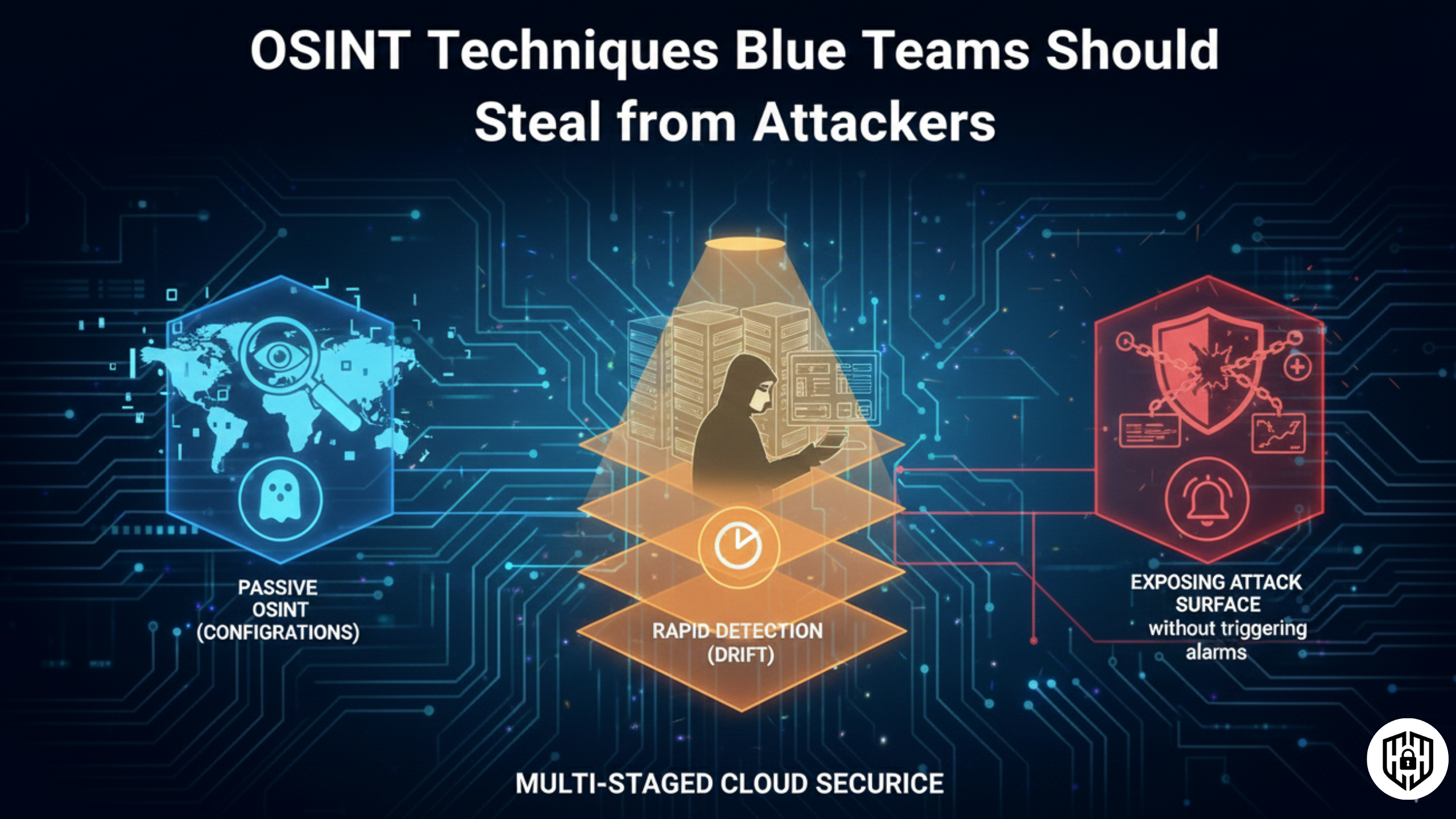
Why Red Teams Win: They Know Your Network Better Than You Do
Red teams win not because they're using zero-days or conducting sophisticated exploits. They win because they understand your external attack surface—your exposed subdomains, forgotten cloud instances, third-party integrations, and misconfigurations—before you even know they exist.
Open-source intelligence (OSINT) is the reconnaissance phase that precedes every successful attack. Attackers spend weeks or months mapping your organization's digital footprint using freely available tools and public data. They enumerate your domains, discover your IP ranges, identify your tech stack, uncover employee information, and find forgotten assets.
Blue teams rarely do this themselves. They focus on perimeter defense, log analysis, and incident response—but often don't know what attackers see from the outside looking in. This asymmetry is dangerous: attackers have complete visibility into your external attack surface, while you're operating blind.
The solution? Steal their reconnaissance tradecraft. Use the same OSINT techniques as attackers to audit your own attack surface proactively. This guide walks you through practical, actionable OSINT methods that transform defensive security from reactive firefighting into proactive hardening.
1. Passive Subdomain & DNS Enumeration: Discover Your Hidden Assets
Subdomain enumeration reveals all internet-facing services your organization is running. A single forgotten subdomain can expose APIs, internal tools, staging environments, or unpatched services.
Why Subdomains Matter
Organizations often have dozens or hundreds of subdomains: api.company.com, dev-api.company.com, legacy.company.com, staging.company.com, email.company.com, etc. Many are forgotten or not actively monitored. Attackers enumerate them all and test each for vulnerabilities.
Passive Enumeration Techniques
- Certificate Transparency Logs: SSL/TLS certificates are publicly logged. Query crt.sh, censys.io, or Google Certificate Transparency to find all subdomains ever registered under your domain.
- DNS Resolvers & Historic Records: Use SecurityTrails, DNSdb, or similar to query historical DNS records and discover previously registered subdomains.
- WHOIS & ASN Lookups: Find your organization's IP ranges and autonomous system numbers (ASNs). Reverse WHOIS reveals other domains under the same registrant.
- Search Engines:
site:company.comqueries reveal indexed subdomains. GitHub, Pastebin, and other platforms leak URLs in comments and commits.
Action Items
- Monthly: Query crt.sh and SecurityTrails for new subdomains. Investigate any you don't recognize.
- Document all subdomains in a central inventory. Assign ownership and maintenance responsibility.
- Run passive scans against discovered subdomains to identify exposed services and technologies.
2. Technology & Service Fingerprinting: Know Your Tech Stack
Attackers identify the specific technologies, versions, and frameworks your organization runs. Outdated software becomes the entry point.
What Attackers Look For
- Web server versions: Apache 2.2.15 (outdated, vulnerable), nginx 1.10.1
- Application frameworks: Django 2.1.5, Rails 5.0.0 (vulnerable versions)
- Content management systems: WordPress 5.2.2, Joomla 3.8.10
- Development tools & admin panels: Jenkins, Grafana, Kibana left exposed
- Third-party libraries: Vulnerable npm packages, pip dependencies
Passive Fingerprinting Methods
- HTTP Headers: Server, X-Powered-By, Set-Cookie headers reveal tech stack.
- Shodan & ZoomEye: Query search APIs for your IP ranges. Returns banners, open ports, services.
- Wappalyzer: Browser extension identifies technologies used on websites (CMS, analytics, hosting).
- BuiltWith & Similar Sites: Passive analysis of website technologies, third-party services.
- GitHub Source Code Leaks: Search for your organization name on GitHub. Developers often leak credentials, API endpoints, and internal IPs in public repos.
3. Employee & Social Engineering Reconnaissance: Finding the Weak Link
Attackers profile employees to craft convincing phishing emails or execute targeted social engineering. LinkedIn, GitHub, Twitter, and email patterns are intelligence goldmines.
What's Exposed
- Employee lists: LinkedIn, GitHub contributors, conference speakers reveal internal structure and key personnel.
- Email patterns: firstname.lastname@company.com or similar makes phishing targeting trivial.
- Personal social media: Employees' Twitter, Facebook, Instagram reveal interests, location, security practices, travel patterns.
- Leaked credentials & mentions: Dark web monitoring, pastebin scans uncover passwords, API keys, or database dumps.
Defensive Reconnaissance
- Monitor your organization name across dark web, pastebin, and credential breach databases (Have I Been Pwned, Dehashed).
- Set alerts for employee names + company name in social media and public records.
- Audit GitHub for credentials: use
git log --all --full-history -- | grep passwordor tools like TruffleHog. - Google dorking:
"company.com" filetype:pdfreveals exposed documents and internal file-sharing leaks.
4. Data Leak & Breach Monitoring: Know When You've Been Hit
Attackers often don't use stolen data immediately. They sit on breaches, sell to competitors, or wait for the right moment to extort. Early detection is critical.
Monitoring Techniques
- Dark web monitoring: Services like Digital Shadows, Mandiant, or Rapid7 monitor dark web forums for mentions of your company.
- Breach databases: Query Have I Been Pwned, Breached, or Dehashed APIs regularly for your domain emails.
- Paste site monitoring: Pastebin, Hastebin, and similar services are searched 24/7 for leaked credentials, data, or internal documents.
- Ransomware leak sites: Attackers publish victim data on leak sites. Use aggregators like Ransomware.live or manual checks.
- Google Alerts & Social Listening: Set alerts for your company name combined with "data breach," "hacked," "exposed," etc.
Defensive Action Plan
- Deploy a dark web monitoring service (budget: $5K-50K/year depending on capabilities).
- Subscribe to threat intelligence feeds that include breach data (Recorded Future, CrowdStrike, etc.).
- Establish a process to respond within 24 hours if employee credentials are found in breaches.
5. Third-Party & Supply Chain Intelligence: Know Your Dependencies
Attackers identify third-party vendors, SaaS providers, integrations, and suppliers your organization depends on. A compromise of a vendor cascades to you.
What to Enumerate
- SaaS & cloud providers: Salesforce, Slack, AWS, GitHub, Jira, Figma, etc. Identify which third parties store your data.
- Subprocessors & integrations: Identify partners, contractors, and integration providers that have access to your systems.
- Vendor technologies: Use reverse WHOIS, domain ownership records, and DNS to map vendor infrastructure.
- Vendor security posture: Monitor for breaches, vulnerabilities, or security incidents affecting your vendors.
Implementation
- Maintain a centralized inventory of all third-party services and data access.
- Subscribe to alerts for security incidents affecting key vendors.
- Audit SaaS provider security posture annually (request SOC 2 reports, penetration test summaries).
6. Controlled Active Reconnaissance: Know When to Cross the Line
After passive reconnaissance, controlled active scanning provides deeper insight. Unlike attackers, you operate within legal boundaries—but comprehensive.
Active Techniques (Authorized Only)
- Port scanning: nmap to identify open ports and running services on your IP ranges.
- Web crawling: Burp Suite, OWASP ZAP to enumerate all endpoints, forms, and APIs.
- Vulnerability scanning: Nessus, Tenable, Qualys for known vulnerabilities in your systems.
- DNS zone transfers & enumeration: Attempt zone transfers to discover all DNS records. Use fierce, dnsenum for enumeration.
Best Practices
- Execute active scans only against infrastructure you own or have explicit written authorization for.
- Schedule scans during maintenance windows to avoid impacting production.
- Maintain detailed logs of all reconnaissance activities for compliance audits.
Defensive OSINT Program: 3-Month Implementation Roadmap
Month 1: Foundation & Visibility
- Week 1: Enumerate all subdomains using crt.sh and SecurityTrails. Document findings in a spreadsheet.
- Week 2: Resolve each subdomain to IP addresses. Validate ownership.
- Week 3: Identify all hosting providers and cloud regions. Understand your IP footprint.
- Week 4: Run passive technology fingerprinting (Shodan, Wappalyzer). Identify outdated software.
Month 2: Intelligence & Monitoring
- Week 5-6: Set up dark web monitoring and breach database monitoring. Configure email alerts.
- Week 7: Audit GitHub for leaked credentials and sensitive data. Implement GitGuardian or TruffleHog scans in CI/CD.
- Week 8: Create employee security awareness training focused on OPSEC and phishing indicators.
Month 3: Active Assessment & Hardening
- Week 9-10: Conduct authorized port scans and vulnerability assessments.
- Week 11: Inventory all third-party services and data access. Verify vendor security controls.
- Week 12: Document findings, prioritize remediation, and create continuous monitoring strategy.
Recommended OSINT Tools
| Category | Tool | Purpose | Cost |
|---|---|---|---|
| Subdomain Enum | crt.sh, SecurityTrails, Censys | Certificate & DNS enumeration | Free-$4K/yr |
| IP Intelligence | Shodan, ZoomEye, Censys | Service & banner enumeration | Free-$500/yr |
| Tech Fingerprinting | Wappalyzer, BuiltWith | Web technology identification | Free-$300/yr |
| Dark Web Monitoring | Digital Shadows, Mandiant, Rapid7 | Breach & leak detection | $30K-200K/yr |
| Breach Monitoring | Have I Been Pwned, Dehashed | Credential breach checking | Free |
| Vulnerability Scanning | Nessus, Tenable, Qualys | Active security assessment | $2K-50K+/yr |
| Secret Detection | TruffleHog, GitGuardian | Credential leak in code | Free-$2K/yr |
Start Your Defensive OSINT Program Today
Understanding what attackers see is the first step to defending against them. Begin with passive reconnaissance of your own organization this week. Map your attack surface before they do.