
Networking, IPs and Ports Explained for Hackers
Welcome back to the ethical hacking series. If you have been following along, you already know I keep hammering one point, that the fundamentals are where real hackers are made. And there is no fundamental more important than this one. Networking is the ground everything else stands on.
I have watched countless beginners try to skip this. They fire up Nmap, get a wall of output, and have no idea what any of it means because they never learned what an IP address or a port actually is. So we are going to fix that. By the end of this you will be able to look at a scan result and read it like a sentence, because you will understand the machinery underneath.
I am going to teach this from the attacker’s perspective throughout, because that is why you are here. Expect the networking a hacker actually uses.
The internet is just machines talking
Strip away all the mystique and a network is a bunch of machines sending messages to each other. Your laptop, a web server in another country, a printer down the hall, they are all just devices that can send and receive data. The entire craft of network hacking comes down to understanding how those messages are addressed, how they travel, and how to insert yourself into that conversation.
For any two machines to talk, three questions have to be answered. Which machine am I trying to reach. Which specific program on that machine do I want. And what language will we speak. Those three questions map almost perfectly onto the three things we are covering, IP addresses, ports, and protocols. Hold that framing in your head and the rest falls into place.
IP addresses: the street address of a machine
An IP address is how one machine finds another on a network. Think of it as a postal address. If you want to send a letter, you need the address of the building. If you want to send data, you need the IP address of the machine.
The version you will see most often looks like four numbers separated by dots, something like 192.168.1.10. That is IPv4. Each of those four numbers can range from 0 to 255, which is why they never go higher. There is also a newer, much longer format called IPv6, built because the world ran out of the shorter addresses, but IPv4 is what you will meet first and most often.
Now, a distinction that matters enormously on real engagements. Some IP addresses are public and some are private. Public addresses are reachable across the open internet. Private addresses, which live in reserved ranges like anything starting 192.168., 10., or the 172.16 to 172.31 block, only exist inside local networks. Your home router, for instance, has one public address facing the world and hands out private addresses to all your devices behind it.
Why should a hacker care? Because that boundary is where a huge amount of the game is played. Getting a foothold on one machine inside a private network, then using it to reach other private machines that the internet cannot touch directly, is the heart of a technique called pivoting. Understanding public versus private addressing tells you what is exposed to the world and what is hiding behind the walls, waiting to be reached from the inside.
Ports: the specific door into a service
An IP address gets you to the right machine, but a single machine can run many services at once. A web server, an email server, a remote login service, all on the same box. So how does traffic know which one it is meant for? That is what ports are for.
If the IP address is the building, a port is a specific numbered door into a specific office inside it. When you connect to a web server you are not just connecting to the machine, you are knocking on port 80 or 443, the doors where the web service is listening. Connect to port 22 on the same machine and you reach the SSH service instead, if it is running.
Ports run from 0 to 65535, which is a lot of doors. The first chunk, 0 to 1023, are the well-known ports, reserved by convention for standard services. These are the ones you should memorise on sight, because reading them fluently is a genuine hacker skill:
- Port 20 and 21, FTP: file transfer, old and often insecure.
- Port 22, SSH: encrypted remote login. A prized target.
- Port 25, SMTP: sending email.
- Port 53, DNS: the service that turns names into IP addresses.
- Port 80, HTTP: unencrypted web traffic.
- Port 443, HTTPS: encrypted web traffic.
- Port 3306, MySQL and port 3389, RDP: a database and Windows remote desktop, both juicy finds when exposed.
When you scan a target and see these ports open, you instantly know a great deal about what the machine does and where to start looking. An open port 3389 facing the internet, for example, makes an attacker’s eyes light up, because remote desktop exposed to the world is a classic way in.
The key idea to internalise is this. A port is open when a service is actively listening on it, closed when nothing is there but the machine responds, and filtered when a firewall is quietly swallowing your probes so you cannot even tell. Those three states are the vocabulary of every scan you will ever run.
Protocols: the language two machines agree to speak
You have the machine and you have the door. The last piece is the language. A protocol is simply an agreed set of rules for how the conversation goes, and two protocols dominate everything you will do, TCP and UDP.
TCP is the reliable, careful one. Before any real data moves, it establishes a connection and then confirms that everything arrives, re-sending anything that gets lost. This is what carries web pages, file transfers, and remote logins, anywhere that every byte has to arrive correctly. Its reliability comes from a specific opening ritual, which we will get to in a second, and that ritual is something attackers exploit constantly.
UDP is the fast, careless one. It just fires data off without setting up a connection or checking that anything arrived. That sounds worse, but for things like video streaming, voice calls, and DNS lookups, speed matters more than perfection, and a dropped packet here or there is fine. For a hacker, UDP is important to understand because scanning it behaves very differently, it is slower, noisier, and easier to get wrong, so many beginners scan only TCP and miss services entirely.
Sitting underneath both of these is IP itself, which handles the actual addressing and routing of packets across networks. You will often hear the whole family referred to as TCP/IP, and that is because these pieces work together as a stack, each layer handling its own job.
Two more pieces worth understanding: subnets and MAC addresses
Before we get to the handshake, two smaller concepts round out the picture, because they come up the moment you start working inside a real network rather than against a single machine.
The first is the subnet, and the notation that goes with it. You will constantly see IP ranges written like 192.168.1.0/24. That number after the slash, called CIDR notation, tells you how large the range is. A /24 covers 256 addresses, from 192.168.1.0 to 192.168.1.255, which is a typical small network. A smaller number like /16 covers a much larger range, and a larger number like /30 covers just a handful. Why does a hacker care? Because when you land inside a network, understanding the subnet tells you how many other machines are potentially reachable around you, which shapes how you scan and how you plan to move. Feed a range like /24 into a scanner and it knows exactly how many hosts to sweep.
The second is the MAC address. While an IP address can change and is used to route across networks, a MAC address is a hardware identifier burned into a network device, used to move data on the local network segment itself. On your own local network, machines actually find each other by MAC address using a protocol called ARP, and IP addresses get translated to MAC addresses behind the scenes. This matters to attackers because that translation can be abused. Techniques like ARP spoofing let an attacker on the same local network trick machines into sending traffic through them instead of the real destination, which is the foundation of many local network attacks. You do not need the deep detail yet, but knowing that a second, lower layer of addressing exists explains a whole category of attacks you will meet later.
If you want a mental filing system for all of this, look up the OSI model, a seven-layer way of describing how networking is organised. You do not need to memorise it, but it gives you a vocabulary for where each concept lives, from the physical cable up to the application.
The three-way handshake, and why scanners love it
This is the concept that ties everything together and unlocks how port scanning actually works, so pay close attention.
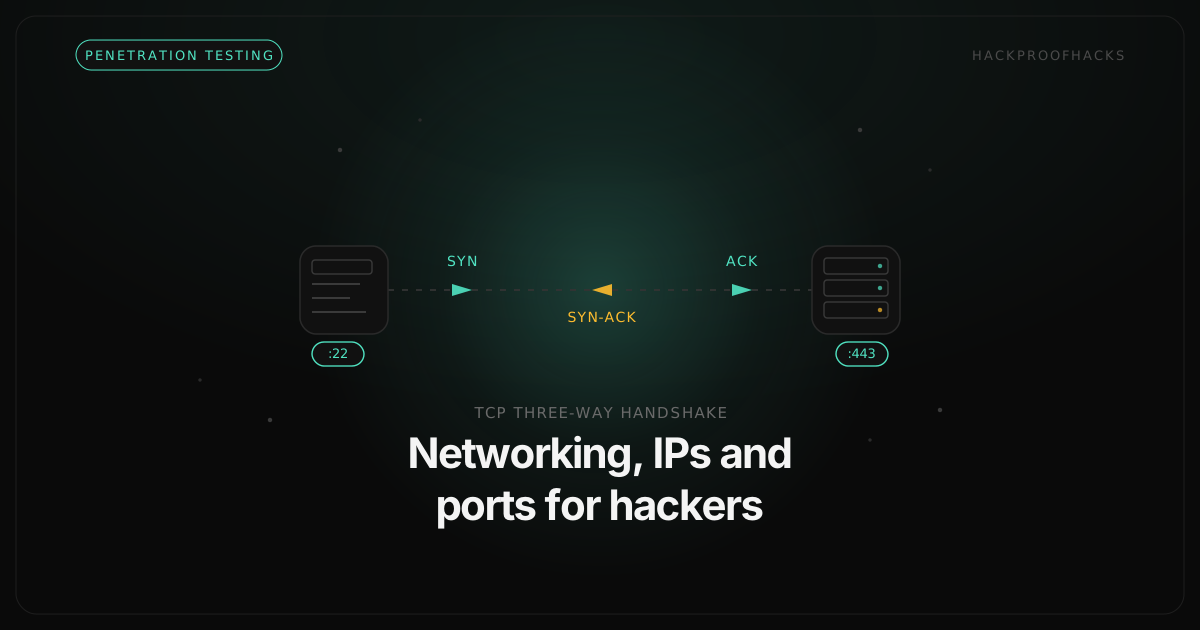
Every TCP connection begins with a short, three-step exchange called the three-way handshake. It goes like this. The client sends a SYN packet, essentially saying “I would like to talk to you.” The server replies with a SYN-ACK, meaning “I hear you, and I agree, let’s talk.” The client finishes with an ACK, “great, we are connected.” Three messages, and the connection is established. Data can now flow.
Now here is where it gets interesting for us. Port scanners like Nmap manipulate this handshake to figure out which ports are open without you having to manually try each one. In a classic SYN scan, the scanner sends a SYN to a port and watches the reply. If it gets a SYN-ACK back, the port is open, a service is there and willing to talk. If it gets a different kind of packet slamming the door, the port is closed. And if it gets nothing at all, the port is likely filtered by a firewall.
The clever part of a SYN scan is that after receiving that SYN-ACK, the scanner does not complete the handshake with a final ACK. It sends a reset instead and tears the connection down before it fully forms. This is why it is sometimes called a stealth or half-open scan, it learns what it needs while being slightly quieter than a full connection would be. Understanding this is the difference between running nmap and actually knowing what it is doing on the wire.
Putting it together on a real target
Let me show you how this knowledge turns into action, because theory only matters when it changes what you do.
You are handed an IP address to assess, with permission, of course, since everything in this series assumes you are testing systems you are authorised to touch. That IP is just an anonymous machine right now. Your first job is reconnaissance, and networking is what makes it possible.
You run a port scan against it. The scan uses the handshake tricks we just covered to knock on thousands of doors and report which are open. Back comes a result. Port 22 open, port 80 open, port 443 open, port 3306 open. In seconds, because you understand ports, you have a map. This machine runs SSH, it hosts a website over both plain and encrypted HTTP, and it is exposing a MySQL database. That last one immediately stands out, a database port reachable from where you are scanning is often a mistake, and mistakes are opportunities.
From there, each open port becomes a thread to pull. The web ports lead you toward web application testing. The SSH port invites questions about weak credentials. The database port raises the question of whether it should be exposed at all. None of that investigation is possible without the foundation you just built. The scan output would be meaningless noise. Instead, it reads like a briefing.
Where this fits in the series
Networking is the layer beneath everything else we do in this series. When we cover enumerating network services, we are building directly on ports and protocols. When we get into web application attacks, we are exploiting services that live on the ports you now understand. When we talk about scanning tools, they are automating the handshake behaviour we walked through here.
So do not treat this as the boring prerequisite to rush past. Sit with it. Set up a couple of virtual machines on your own hardware, run scans between them, and watch the traffic. When you can look at an IP, a port number, and a protocol and instantly picture what is happening, you have stopped being someone who runs hacking tools and become someone who understands them. That shift is the whole point, and it starts right here with the fundamentals.