
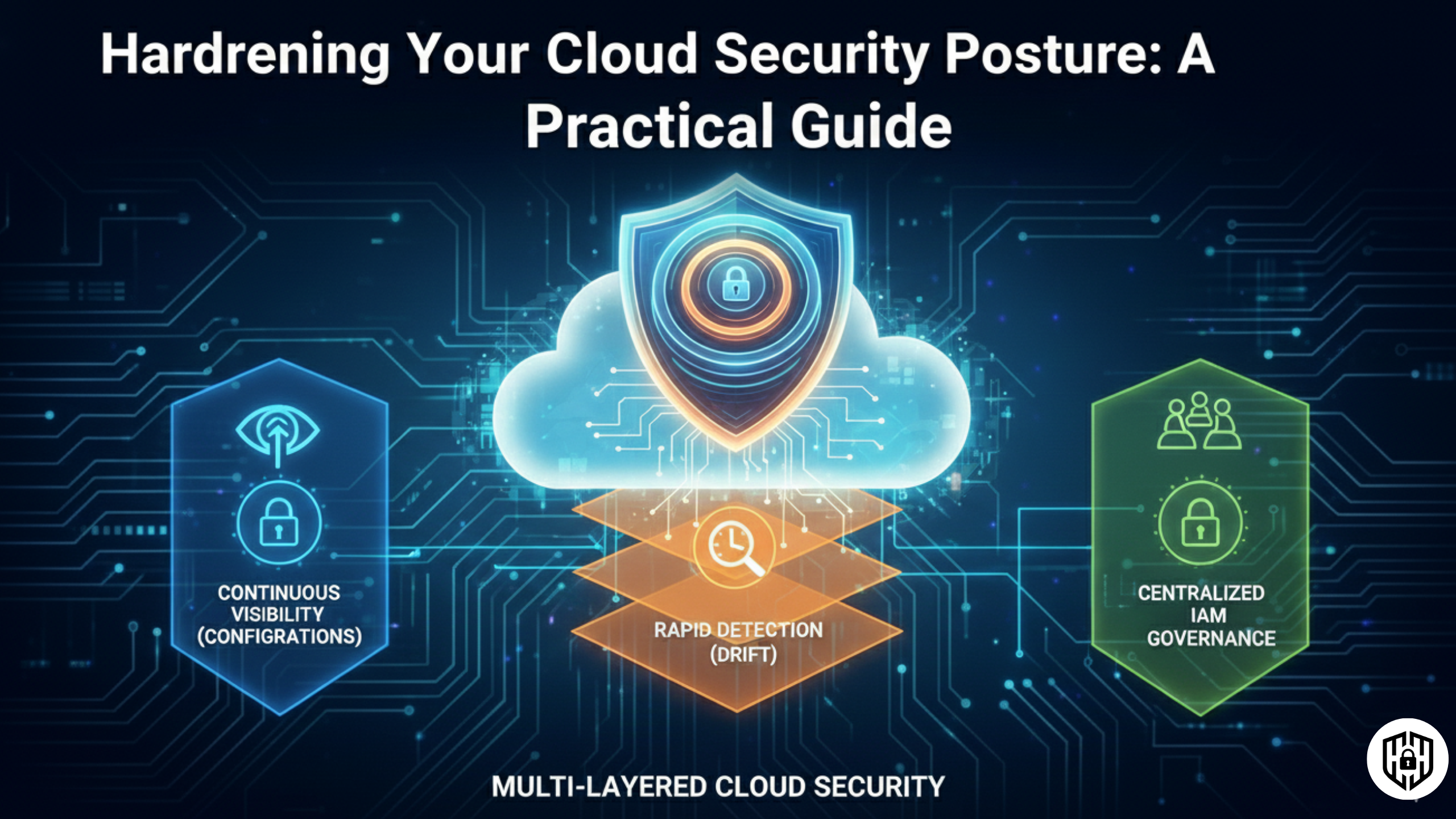
The Cloud Security Crisis: Misconfigurations Are the #1 Culprit
Cloud breaches aren't usually the result of sophisticated zero-day exploits or cutting-edge hacking techniques. They're caused by simple, preventable mistakes: misconfigured storage buckets, overly permissive IAM roles, unpatched systems, and forgotten credentials.
In 2024-2025, misconfigurations and inadequate change control became the leading cause of cloud breaches, surpassing even identity attacks. Why? Because clouds are dynamic. Resources scale up and down, permissions evolve, and teams iterate quickly. In this velocity, security drift happens silently—until exposed data appears on the news.
According to recent research, over 200 billion files are currently exposed in misconfigured cloud buckets across AWS, Azure, and Google Cloud. A single exposed S3 bucket can contain customer databases, API keys, source code, and financial records—all accessible to anyone with a URL.
The good news: these risks are entirely preventable. This guide walks you through the most dangerous cloud misconfigurations, why they happen, and how to detect and remediate them before attackers do.
1. The Storage Exposure Crisis: S3 Buckets, Blobs & Secrets
Publicly accessible cloud storage is the most common and damaging misconfiguration. A single S3 bucket, Azure Blob container, or GCS bucket left world-readable can expose entire datasets in minutes.
Why Storage Gets Exposed
- Default-open settings: Many developers enable public access during development, then forget to disable it for production.
- Copy-paste errors: Policies from one bucket get copied to another with unintended public ACLs.
- Misunderstood permissions: Confusion between private, authenticated, and public access models.
- Legacy configurations: Old buckets created before security became automated, never audited.
Real-World Examples
Capital One (2019): A misconfigured AWS S3 bucket exposed 100 million customer records, including credit card information, social security numbers, and bank account numbers. The breach led to a $100 million settlement.
Microsoft (2019): Microsoft exposed millions of customer support records stored in Azure Blob Storage. The data was publicly accessible due to improper security configurations.
2025 Exposure Trends: Researchers continue to find 8TB meetings transcripts, 273K bank transfer PDFs, source code repositories, and API keys left world-readable.
How to Fix Exposed Storage
2. IAM Drift & Over-Privileged Roles: The Silent Privilege Escalation
Identity and Access Management (IAM) drift occurs when your actual cloud permissions diverge from your documented, intended permissions. A role that was supposed to be read-only starts granting write access. An admin role created for temporary emergency access never gets removed. Unused permissions accumulate.
Why IAM Drift Matters
IAM drift directly enables privilege escalation, lateral movement, and data exfiltration. An attacker who compromises a "read-only" service account can escalate to admin if the role has drifted to include iam:UpdateAssumeRolePolicy or sts:AssumeRole permissions.
Common IAM Misconfigurations
- Wildcard permissions:
"Resource": "*"or"Action": "*"grant access to everything. - Overly broad roles: AdministratorAccess, PowerUserAccess assigned to developers who need only EC2 and RDS access.
- Service accounts with permanent credentials: Long-lived API keys stored in code or config files, never rotated.
- Cross-account trust without MFA: Accounts trust others without requiring MFA, enabling account takeover.
- Shadow permissions: Policies attached directly to users (instead of roles), breaking auditability.
How to Detect IAM Drift
How to Fix IAM Drift
3. Unrestricted Network Access: Management Ports Wide Open
Exposing management ports like SSH (22), RDP (3389), or database ports (5432, 3306) to 0.0.0.0/0 (the entire internet) is a critical misconfiguration. Attackers scan for these ports, brute-force credentials, and gain instant access.
4. Missing or Weak Encryption: At Rest & In Transit
Encryption protects data even if a storage bucket is accessed or a database is compromised. Missing encryption or using weak algorithms leaves data readable to attackers.
5. Poor Logging & Monitoring: Blind to Breaches
Without logs, you can't detect exfiltration, privilege escalation, or unauthorized access. Many organizations don't enable CloudTrail, don't analyze logs, or delete logs too quickly.
6. Missing MFA on Admin Accounts: The Easy Takeover
Without multi-factor authentication, a single compromised password grants full account control. Admin accounts should require MFA for every action.
Complete Cloud Security Hardening Checklist
| Control | AWS Implementation | Priority | Effort |
|---|---|---|---|
| Block Public Storage | S3 > Block Public Access | Critical | 5 min |
| Enable CloudTrail | CloudTrail > Create Trail | Critical | 15 min |
| Enforce MFA on Admin | IAM > Root user > MFA | Critical | 10 min |
| Restrict Security Groups | EC2 > Security Groups > Edit rules | High | 30 min |
| Enable Default Encryption | S3 > Bucket settings > Encryption | High | 10 min |
| Enable HTTPS/TLS | CloudFront / ALB > HTTPS listener | High | 20 min |
| Implement RBAC | IAM > Policies > Custom role | High | 2-4 hrs |
| Audit IAM Drift | IAM Access Analyzer > Findings | High | 30 min weekly |
| Rotate Service Creds | Secrets Manager > Rotation setup | High | 1-2 hrs |
| Deploy CSPM Tool | Wiz, Prisma, Tenable | Medium | 4-8 hrs |
Quick-Win Implementation Plan (30-90 Days)
Phase your hardening by risk and effort. Don't try to fix everything at once.
Week 1: Critical Foundations (5-8 hours)
- Block public storage access (S3, Blob, GCS)
- Enable MFA on admin accounts
- Enable CloudTrail/Activity Logs
- Restrict SSH/RDP to VPN/bastion
Week 2-3: Visibility (8-12 hours)
- Audit all storage buckets for public access
- Review all IAM roles for overly broad permissions
- Enable default encryption on storage and databases
- Set up centralized log collection and basic alerts
Week 4-6: Automation (16-24 hours)
- Deploy CSPM tool (Wiz, Prisma) for continuous scanning
- Implement Infrastructure-as-Code for IAM
- Set up automated secret rotation (Secrets Manager, Key Vault)
- Configure policy-as-code to enforce security controls
Week 7-12: Advanced (20-40 hours)
- Implement Just-In-Time access for privileged operations
- Deploy SIEM and anomaly detection
- Conduct penetration testing of cloud environment
- Establish incident response playbooks
Start Hardening Your Cloud Today
Download our Cloud Security Audit Checklist, scan your environment against each control, and prioritize fixes by risk. Most critical issues can be remediated in hours.
References & Further Reading
Deepen your cloud security knowledge with these authoritative resources.