
Cross-Site Scripting (XSS): The Complete Explainer
Cross-site scripting is one of the oldest vulnerabilities on the web, and it refuses to die. It has been on every edition of the OWASP list for over two decades (it is catalogued in depth as OWASP: Cross Site Scripting and as CWE-79), and it’s still among the most frequently reported findings in bug bounty programs today. If you’re learning web security, whether to defend applications or to hunt bugs, XSS is a vulnerability you must understand deeply.
This guide explains what XSS actually is, the three forms it takes, how attackers weaponise it, and, most importantly, the modern defences that stop it.
What is cross-site scripting?
At its core, XSS is a failure of trust between data and code.
A web page is built from HTML that the browser interprets. Some of that HTML is written by the developer, and some of it is data (a username, a comment, a search term) that comes from users. The vulnerability appears when an application takes data from one user and places it into a page shown to another user without making the browser treat it strictly as data.
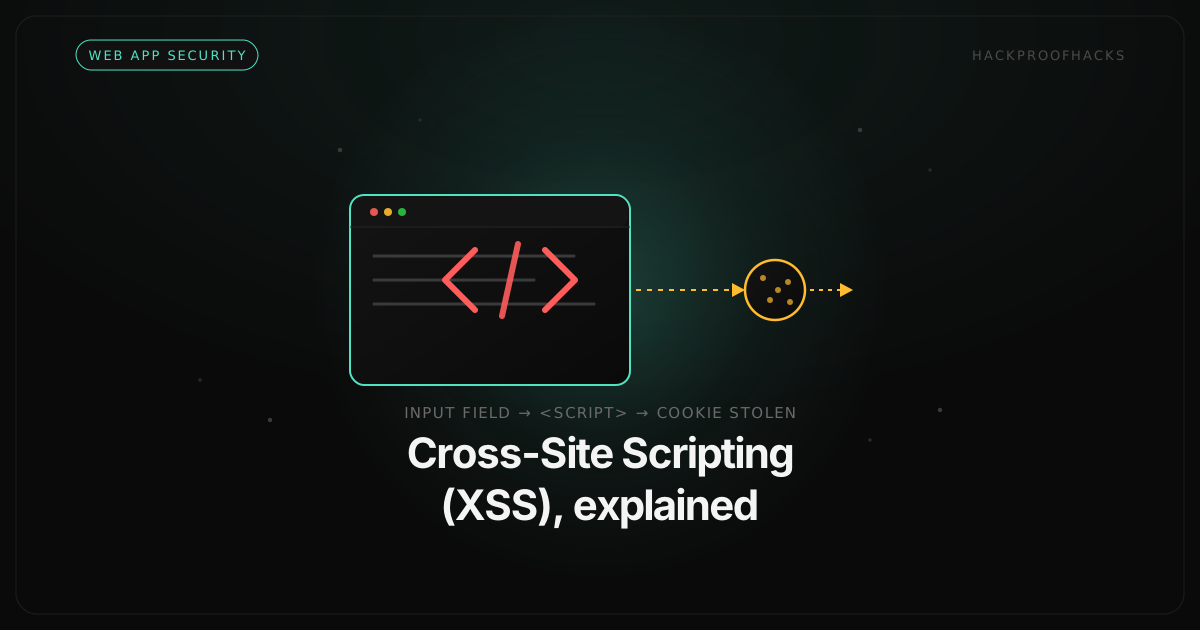
If an attacker can smuggle a <script> tag or an event handler into that data, the victim’s browser executes it as if the trusted site had written it. The malicious code now runs with all the privileges of the victim’s session on that site.
Here’s the simplest possible illustration. A search page echoes your query back to you:
https://shop.example/search?q=laptop<p>You searched for: laptop</p>Harmless. But what if the application drops the query straight into the HTML without encoding it? An attacker crafts a different query:
https://shop.example/search?q=<script>alert(document.cookie)</script><p>You searched for: <script>alert(document.cookie)</script></p>Now the browser doesn’t display the script. It runs it. Replace that harmless alert with code that sends the victim’s session cookie to an attacker-controlled server, and you have account takeover from a single clicked link.
The three types of XSS
XSS is classified by how the malicious script reaches the victim’s browser. Understanding the distinction is essential, because it determines both the severity and the fix.
1. Reflected XSS
In reflected XSS, the malicious script is part of the request itself (usually embedded in a URL parameter), and the server immediately “reflects” it back in the response.
The attacker crafts a malicious link and has to get the victim to click it (via phishing email, a message, a malicious ad). When the victim clicks, their request carries the payload, the vulnerable server echoes it into the response, and the victim’s browser executes it.
https://target.example/results?query=<script>/* steal session */</script>Because it requires the victim to click a specifically crafted link, reflected XSS is often rated slightly lower than stored XSS, but it’s still serious, especially when combined with convincing social engineering.
2. Stored XSS
Stored XSS (also called persistent XSS) is the dangerous one. Here the malicious script is saved on the server: in a comment, a forum post, a product review, a user profile field, a support ticket, a chat message. From then on, the script is served to every user who views that content, automatically, with no crafted link required.
Imagine an attacker posts a comment on a blog:
Great article! <script>/* run in every reader's browser */</script>If the site stores and re-displays that comment without encoding it, the script executes in the browser of every single person who reads the comments. One injection, thousands of victims. This is why stored XSS can escalate into a self-propagating worm, as famously happened with the Samy worm on MySpace in 2005, which spread to over a million profiles in under a day.
3. DOM-Based XSS
DOM-based XSS is subtler and increasingly common in modern single-page applications. Here the vulnerability lives entirely in the browser’s own client-side JavaScript. The server may never even see the payload.
The application’s JavaScript reads some attacker-controllable input, the URL fragment (#...), a query parameter, localStorage, and writes it unsafely into the page:
// Vulnerable: writes attacker-controlled input straight into the DOM
const name = new URLSearchParams(location.search).get('name');
document.getElementById('welcome').innerHTML = 'Hello, ' + name;
A request to ?name=<img src=x onerror=alert(1)> causes the script to build an image tag with a malicious onerror handler and inject it via innerHTML, which executes. The dangerous part, the flow from an untrusted source (the URL) to a dangerous sink (innerHTML), happens purely in the browser. Traditional server-side scanners often miss it entirely.
What an attacker can actually do with XSS
Beginners sometimes dismiss XSS as “just a popup.” That popup is only the proof of concept. Once an attacker can run JavaScript in a victim’s authenticated session, the realistic impact includes:
- Session hijacking. Stealing the session cookie (if it’s not protected) and impersonating the victim entirely.
- Account takeover. Using the victim’s active session to change their email or password, or performing actions on their behalf, even where CSRF protections exist, because the script runs as the victim.
- Credential theft. Injecting a fake login form or keylogging every keystroke on the page.
- Data exfiltration. Reading any data the victim can see on the page and sending it to the attacker.
- Worm propagation. With stored XSS on a social feature, the payload can make each infected user unknowingly spread it further.
In short, XSS gives an attacker the ability to do almost anything the victim can do on that site. That’s why it consistently earns real payouts in bug bounty programs and why it belongs in the OWASP Top 10 Injection category.
How to prevent XSS: a layered defence
There is no single switch that eliminates XSS. Robust protection is a stack of defences, each catching what the others miss.
1. Context-aware output encoding (the primary fix)
The root cause of XSS is placing untrusted data into a page where the browser can interpret it as code. The fix is to encode data for the exact context in which it appears, so the browser always treats it as inert text:
- In HTML body context, encode
<,>,&into their HTML entities (<,>,&). - In an HTML attribute, encode quotes and use quoted attributes.
- In a JavaScript context, encode appropriately or, better, don’t put untrusted data into script at all.
- In a URL context, URL-encode the value.
The same string must be encoded differently depending on where it lands. Getting the context right is the whole game.
2. Use a framework that escapes by default (and don’t disable it)
Modern frameworks like React, Angular, and Vue automatically escape values placed into templates. This eliminates the majority of XSS by default. The catch is that every framework provides an escape hatch, and those are where the bugs now live:
- React’s
dangerouslySetInnerHTML - Angular’s
bypassSecurityTrust...methods - Any direct use of
innerHTML,outerHTML, ordocument.writewith untrusted data
The name dangerouslySetInnerHTML is a warning label. Treat every use of these as a place a security reviewer will look first.
3. Sanitise rich HTML you genuinely must accept
Sometimes you truly need to accept HTML from users, a rich-text editor, for example. Encoding would break the formatting. In that case, sanitise the HTML with a well-maintained, security-focused library like DOMPurify, which strips dangerous tags and attributes while preserving safe formatting. Never write your own HTML sanitiser with a blocklist of tags. Attackers have decades of bypasses for every naive filter.
4. Deploy a strong Content Security Policy
A Content Security Policy (CSP) is your safety net. It’s an HTTP response header that tells the browser which sources of script it’s allowed to execute. A strict CSP can neutralise an injected payload entirely: the browser simply refuses to run inline or untrusted scripts:
Content-Security-Policy: default-src 'self'; script-src 'self'; object-src 'none'; base-uri 'self'The key is to avoid 'unsafe-inline' in script-src, which throws away most of the protection. Modern strict CSPs use nonces or hashes instead. MDN’s Content-Security-Policy reference documents every directive in detail. You can check any site’s CSP and other security headers in seconds with our free HTTP Header Analyzer. A CSP is defence in depth: deploy it, but fix the underlying injection too.
5. Protect session cookies with HttpOnly
Set the HttpOnly flag on session cookies. This tells the browser that JavaScript is not allowed to read the cookie, so even a successful XSS payload can’t simply exfiltrate the session token via document.cookie. Combine it with the Secure and SameSite flags for a hardened cookie posture. MDN’s guide to HTTP cookies explains how each flag behaves. It won’t stop XSS, but it removes one of its most damaging outcomes.
How testers find XSS
If you’re testing an application (with authorisation), the workflow is methodical rather than magical, and it mirrors the reconnaissance-first mindset that good hunters bring to everything:
- Map every input. Every place user data enters the app: URL parameters, form fields, headers, JSON bodies, file names.
- Find where it comes back out. Search the responses for your input. If you send a unique marker string, where does it appear, and in what context?
- Test whether it’s encoded. Inject context-appropriate characters (
<,>,",') and see if they’re encoded in the response or passed through raw. - Escalate to proof. If the characters survive, craft a minimal payload that proves script execution in that specific context.
- Check the DOM sinks. For client-side XSS, trace the JavaScript from untrusted sources (
location,document.referrer) to dangerous sinks (innerHTML,eval).
The discipline is the same as all web hunting: understand where data flows, and check whether the boundary between data and code is properly enforced.
Key takeaways
- XSS is a failure to keep untrusted data from being interpreted as code in a victim’s browser.
- The three types (reflected, stored, and DOM-based) differ in how the payload reaches the victim, with stored XSS usually the most severe.
- The impact is real: session hijacking, account takeover, credential theft, and worms, not just popups.
- The fix is layered: context-aware output encoding first, a framework’s safe defaults, sanitisation for rich HTML, a strict CSP, and HttpOnly cookies as backstops.
XSS endures because it’s easy to reintroduce with a single careless line. Understanding it, from both the attacker’s and the defender’s side, is one of the highest-leverage things you can learn in web security.
For the canonical defensive reference, work through the OWASP XSS Prevention Cheat Sheet, and to practise the attack legally, PortSwigger’s free cross-site scripting labs are the best structured set available.
Want to go deeper into web vulnerabilities? Read the OWASP Top 10 breakdown, check your site’s defences with our free security tools, or explore hands-on training to build these skills with real guidance.